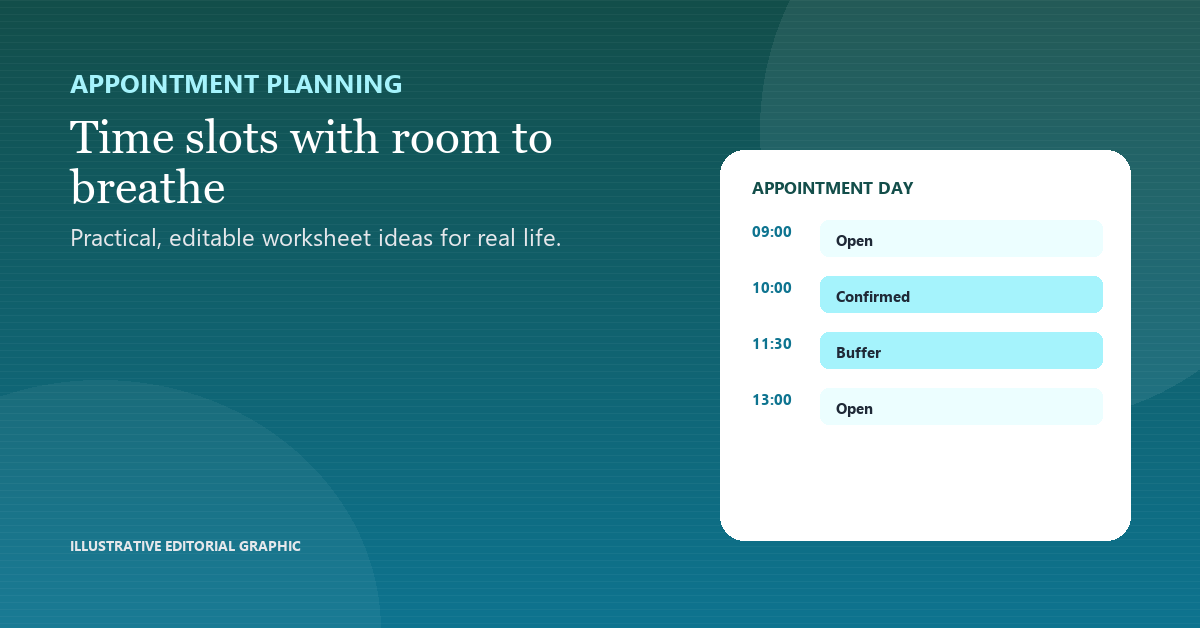
A buffer is not empty time. It is the part of the schedule that lets the appointment finish properly and the next one start on time.
Start with the actual service length
Measure setup, delivery and close-down separately, then add them. A schedule built from the best-case appointment will run late on an ordinary day.
Place buffers after overrun risks
Put a short gap after appointments that involve questions, notes or a change of room. The buffer is for the work that happens after the client leaves.
Block admin time
Notes and follow-up need a visible slot. If they are only “after all appointments”, they become the first thing to disappear.
Review planned versus actual
At the end of the day, compare the slot length with what happened. Change one duration or buffer, not the whole schedule.
Day plan
| Item | Example |
|---|---|
| Time | Slot |
| 09:00 | Appointment 30 min |
| 09:30 | Buffer 15 min |
| 10:00 | Appointment 60 min |
| 11:15 | Notes / admin |
What to watch for
- Scheduling from the best-case duration.
- Leaving notes for the end of the day.
- Filling every gap with another booking.
A useful next step
Run one week with a visible buffer and compare the actual finish times. Adjust one slot before adding more appointments. A buffer that is always consumed is a hidden extension of the appointment, not spare time. If a 60-minute service repeatedly takes 75 minutes, increase the scheduled service time to 75 minutes and keep a separate buffer. If paperwork causes the overrun, give that work its own slot rather than reducing the client’s service time. Block the buffer on the calendar as its own appointment.